Solar Panel Monitoring Systems: Track Your Output
Find the right system size for your roof
Panel count depends on your electricity use, roof space and direction — not on a rule of thumb. Get a recommended size and what it should cost.
Size My SystemFree calculator. No contact details required to see your result.
How do I monitor my solar panel output?
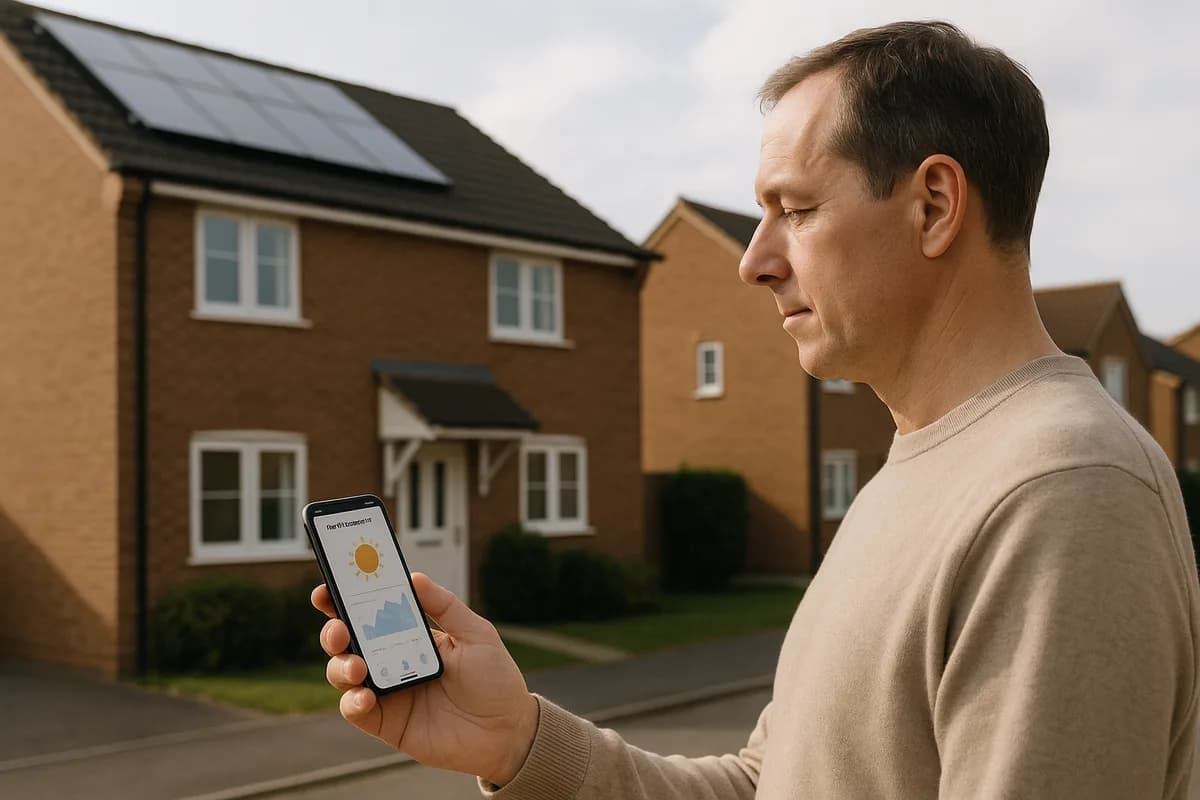
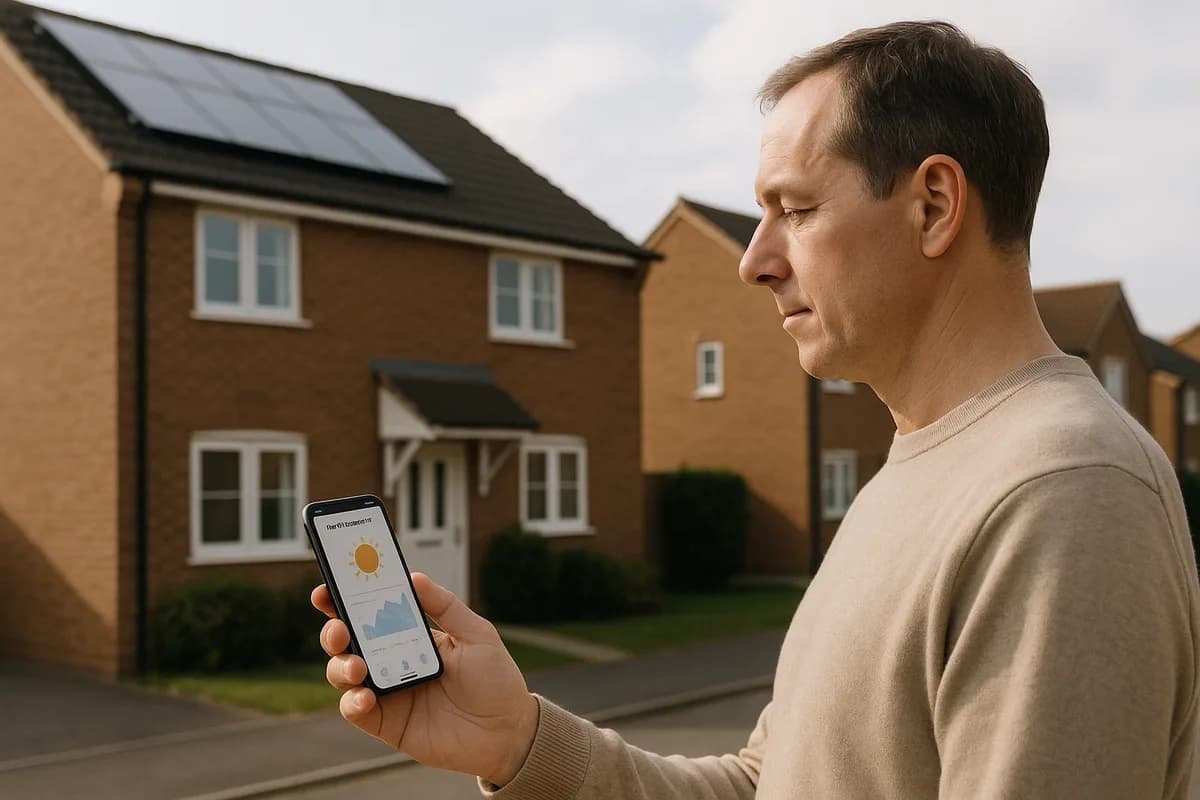
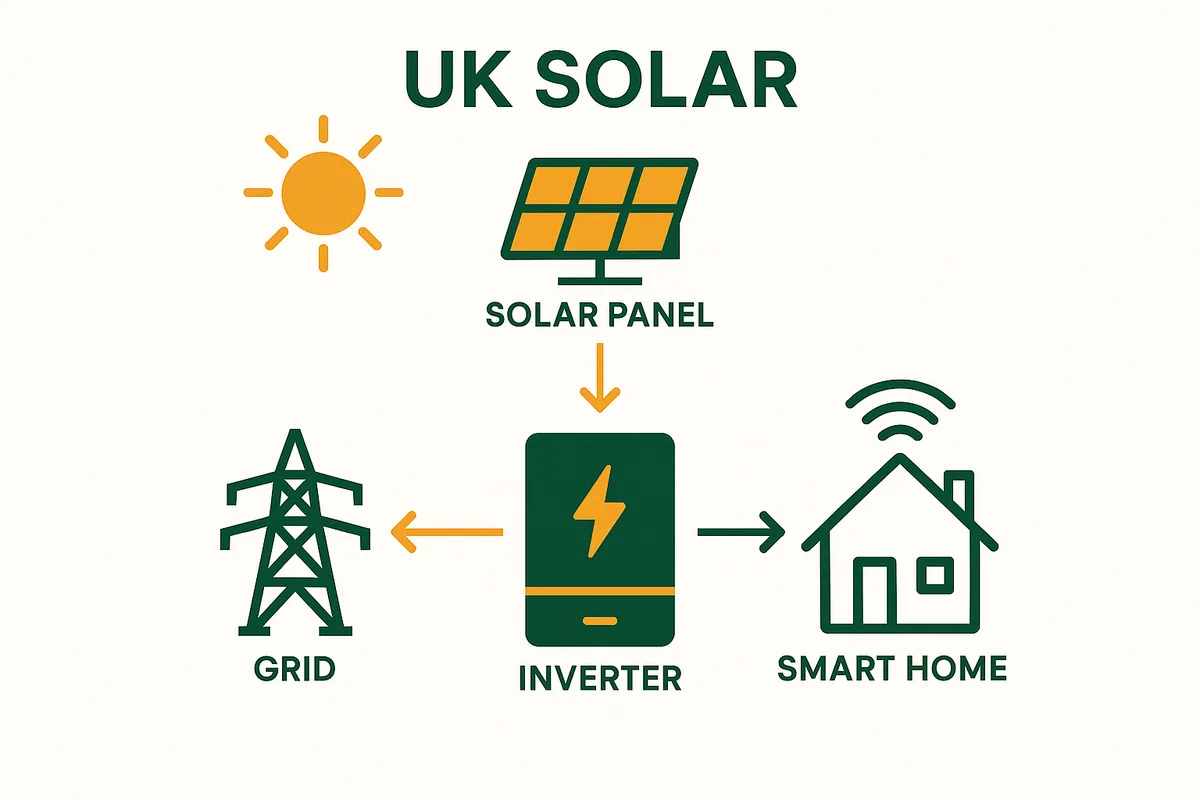
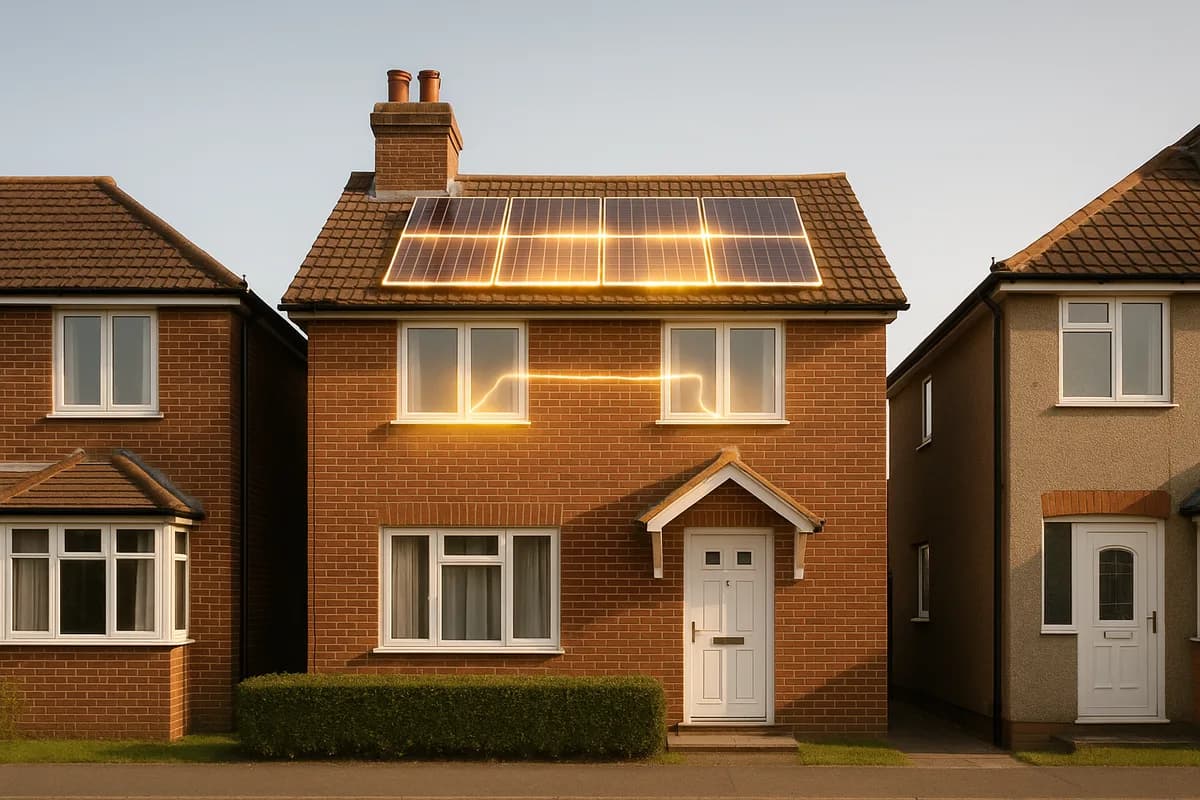
Every modern solar inverter includes free monitoring via a smartphone app or web dashboard. You can track real-time power output, daily/monthly/annual generation, self-consumption vs export, and system health alerts. The monitoring is included in your inverter — no additional cost or subscription required. Setting up takes 5 minutes during installation.
What Solar Monitoring Shows You
A typical solar monitoring platform displays:
- Real-time power output (watts) — see exactly how much your panels are generating right now
- Daily generation (kWh) — total electricity produced today
- Monthly and annual generation — track performance over time
- Self-consumption — how much solar you used directly vs exported to the grid
- Grid import — how much electricity you bought from the grid
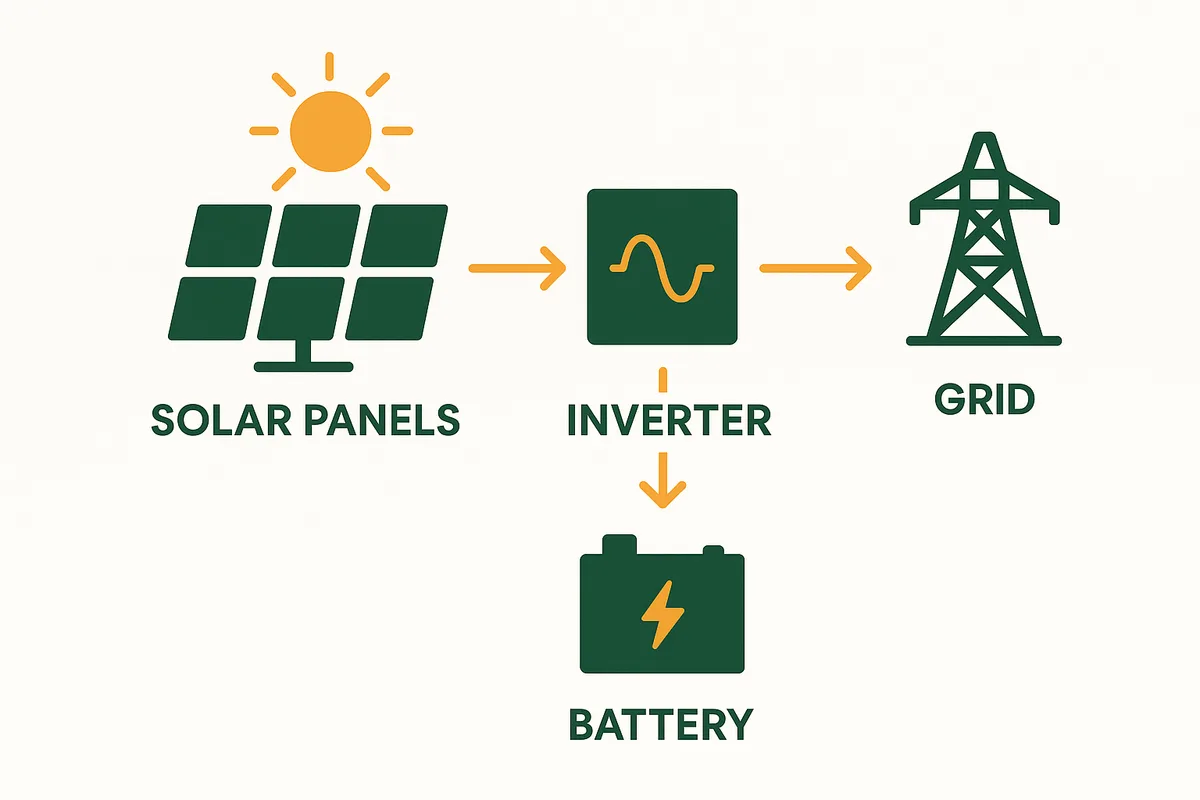
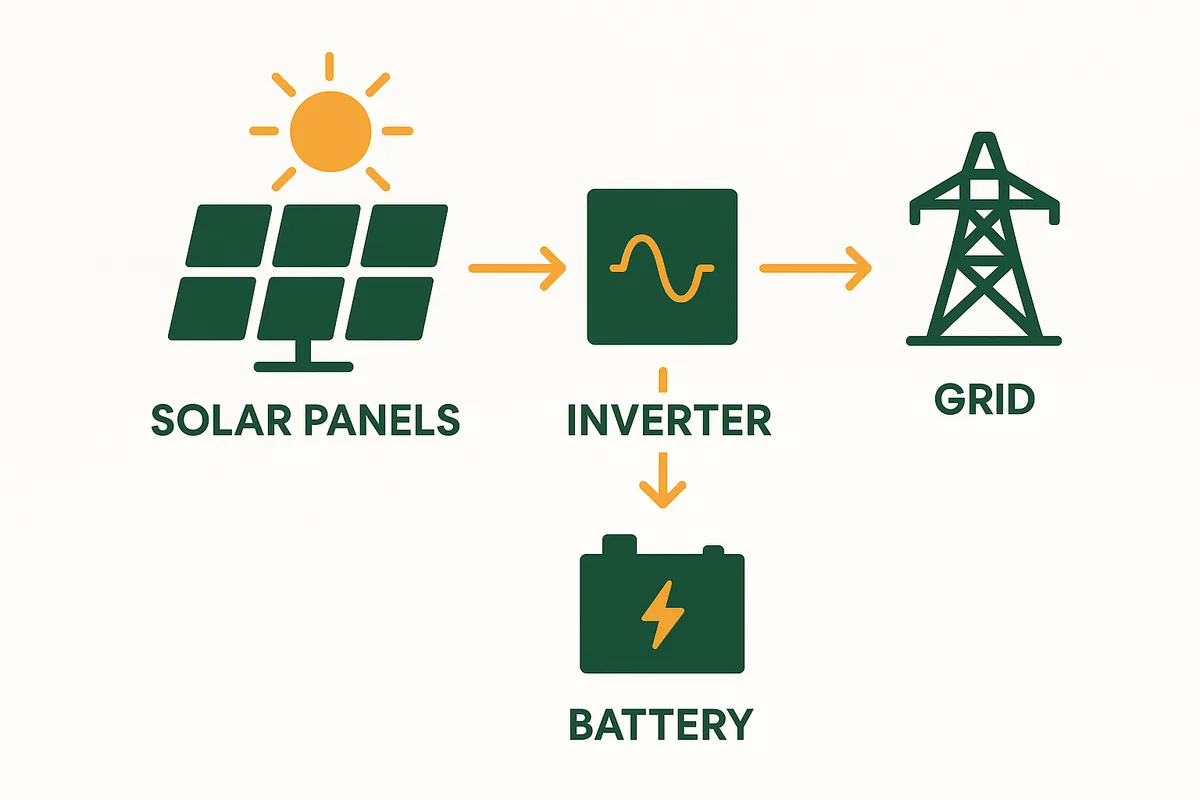
- Battery status (if installed) — charge level, charging/discharging rate
- Export data — how much you sent to the grid (for SEG payments)
- Historical comparison — compare today's output to the same day last year
- Environmental impact — CO2 saved, equivalent trees planted
- Alerts — notifications if output drops below expected levels or faults detected
Best Solar Monitoring Platforms in the UK
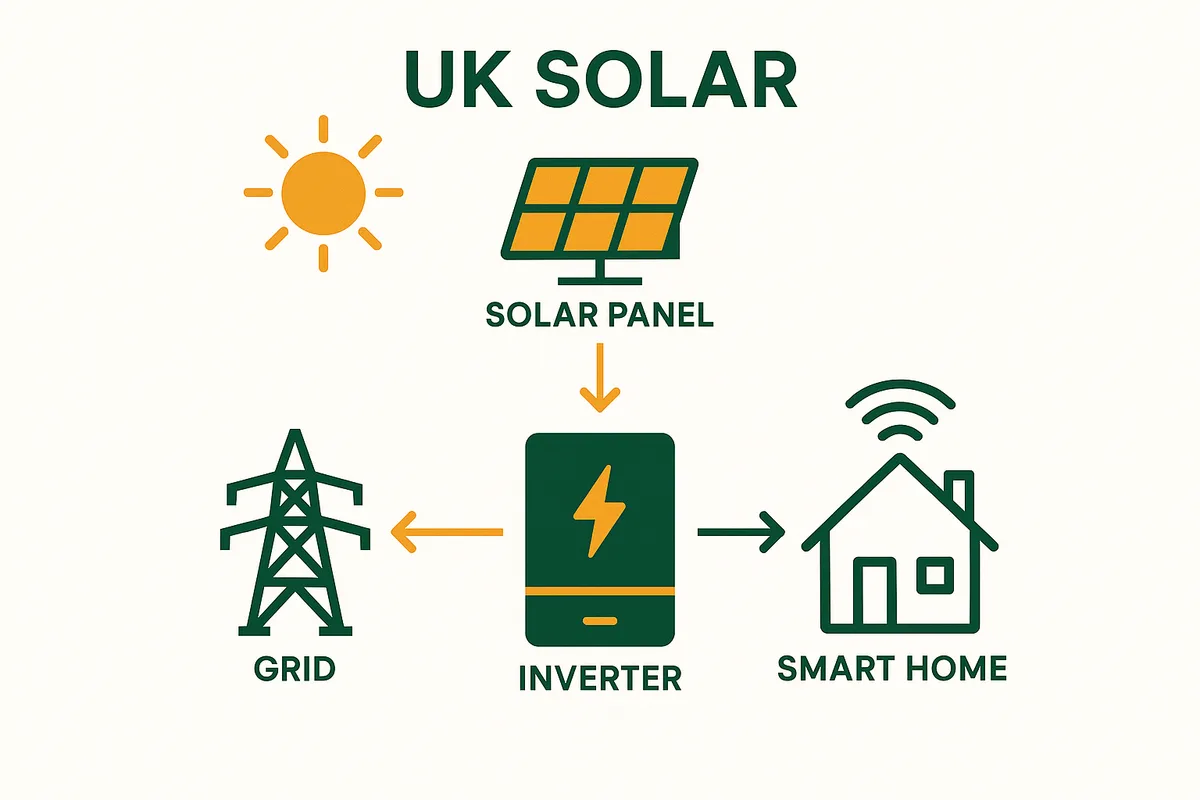
Your monitoring platform depends on your inverter brand:
GivEnergy (givenergy.cloud): - Excellent UK-developed platform - Shows: generation, battery, consumption, export, import - App: iOS + Android + web dashboard - Special feature: remote battery control, tariff optimisation - Cost: Free with GivEnergy inverter/battery
SolarEdge (monitoring.solaredge.com): - Industry-leading platform with panel-level monitoring (with optimisers) - Shows: per-panel output, system overview, energy flow - App: iOS + Android + web - Special feature: individual panel performance tracking - Cost: Free basic; full panel-level requires SolarEdge optimisers
Enphase Enlighten: - Per-panel monitoring as standard (every micro-inverter reports independently) - Shows: per-panel output, system health, consumption - App: iOS + Android + web - Special feature: automatic fault detection per panel - Cost: Free with Enphase micro-inverters
Solis Cloud: - Budget-friendly but capable platform - Shows: generation, consumption, grid interaction - App: iOS + Android + web - Cost: Free with Solis inverter
Huawei FusionSolar: - Clean, modern interface - Shows: generation, consumption, battery (if applicable) - App: iOS + Android - Cost: Free with Huawei inverter
Source: Manufacturer platform reviews; user experience data.
Find the right system size for your roof
Panel count depends on your electricity use, roof space and direction — not on a rule of thumb. Get a recommended size and what it should cost.
Size My SystemHow to Set Up Monitoring
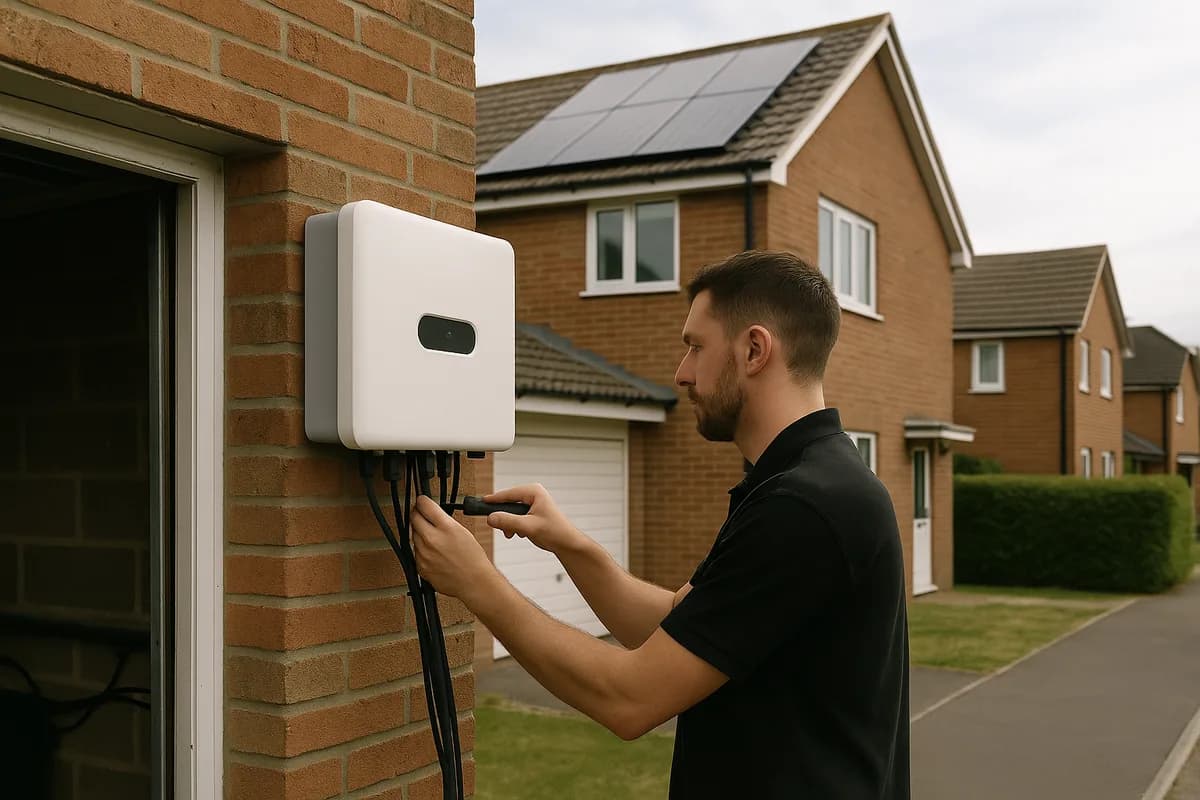
- Your installer should set up monitoring during installation — ask them to do so
- The inverter connects to your home WiFi (you need your WiFi password ready)
- Download the manufacturer's app on your phone (free)
- Create an account and link it to your inverter's serial number
- Data typically appears within 15–30 minutes of connecting
- If your installer did not set it up, consult the inverter manual — it usually involves pressing a WiFi button on the inverter and connecting via your phone
Using Monitoring to Spot Problems
Monitoring is your early warning system. Here is what to look for:
Normal patterns: - Output peaks around midday (±1 hour depending on season) - Clear days produce a smooth bell curve; cloudy days show spiky, variable output - Summer output is 4–6x winter output - Year-on-year output should be within ±5% (weather variation)
Warning signs: - Zero output on a sunny day: Inverter fault. Check for error codes/red light. Try restarting. - Output dropped 20%+ vs last year: Panel soiling, new shading (tree growth), or degradation issue. - One panel producing much less (micro-inverter/optimiser systems): Panel defect, shading, or wiring issue. - Inverter repeatedly restarting: Grid voltage issue or inverter fault. Contact installer. - Battery not holding charge: Battery degradation or BMS fault. Check warranty.
Catch problems early through monitoring and you avoid months of lost generation.
Source: Common solar fault diagnosis patterns.
Third-Party Monitoring Options
If you want more detailed monitoring beyond your inverter's app:
Home Assistant: Open-source smart home platform that integrates with most inverter brands. Allows custom dashboards, automation, and integration with smart tariffs.
Solar Analytics: Third-party monitoring service that adds a separate sensor at your switchboard. Provides independent generation and consumption data. Cost: £200 hardware + £5/month subscription.
CT clamp monitors (e.g., Shelly EM, Emporia Vue): Clip-on current sensors that monitor your main electrical feed. Show total generation and consumption independently of your inverter. Cost: £50–£150.
For most homeowners, the free inverter monitoring app is sufficient. Third-party options are for enthusiasts who want deeper data integration.
Source: Home automation community; product reviews.
Frequently Asked Questions
Related guides
Related: Home Heating Systems
Solar panels are most powerful when combined with an efficient heating system. Heat pumps use solar-generated electricity to heat your home at 300-400% efficiency — making them the ideal partner for solar.
Heat pump installation typically takes 2-3 days and is best planned alongside solar.
From our sister site Home Heat Pump Guide
You might also like
Find the right system size for your roof
Panel count depends on your electricity use, roof space and direction — not on a rule of thumb. Get a recommended size and what it should cost.
Size My SystemFree calculator. No contact details required to see your result.