Reading Your Meter with Solar Panels
Ready to see what solar could save you?
Get free, no-obligation quotes from MCS-certified installers in your area.
Get Free QuotesFree, no obligation. Takes 2 minutes.
How do I read my meter with solar panels?
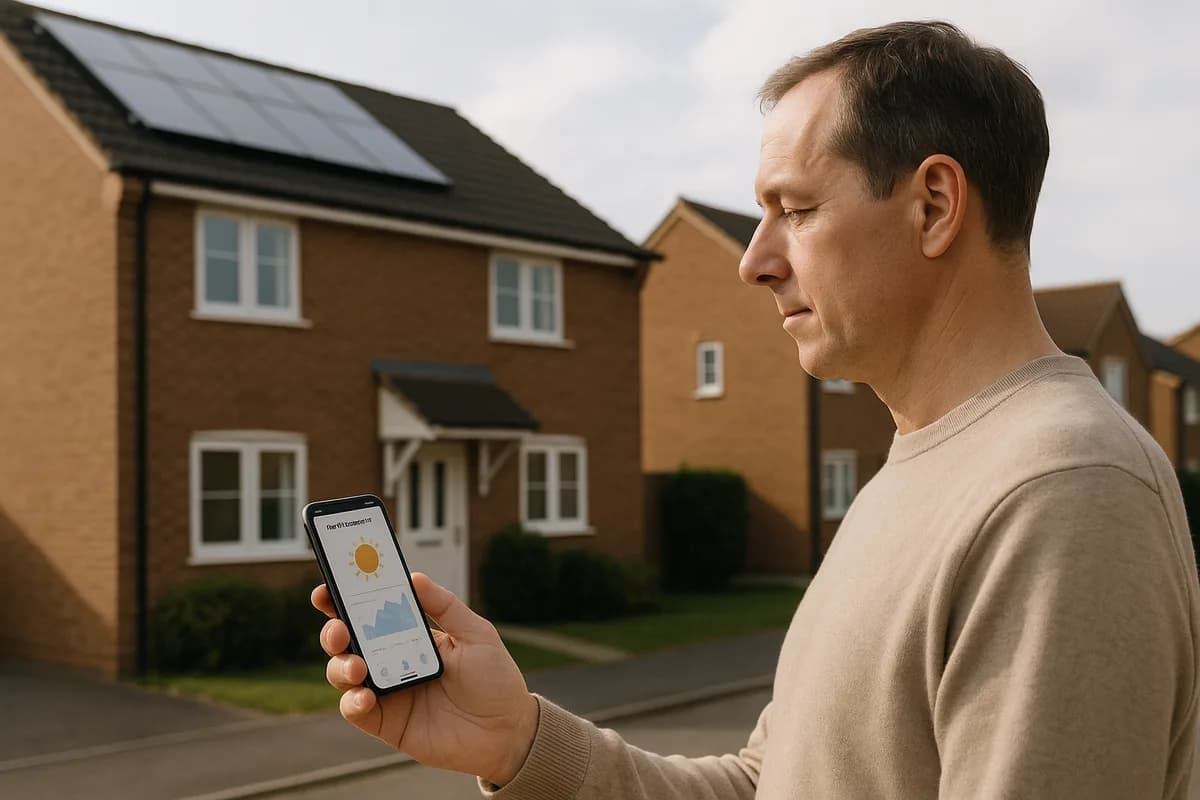
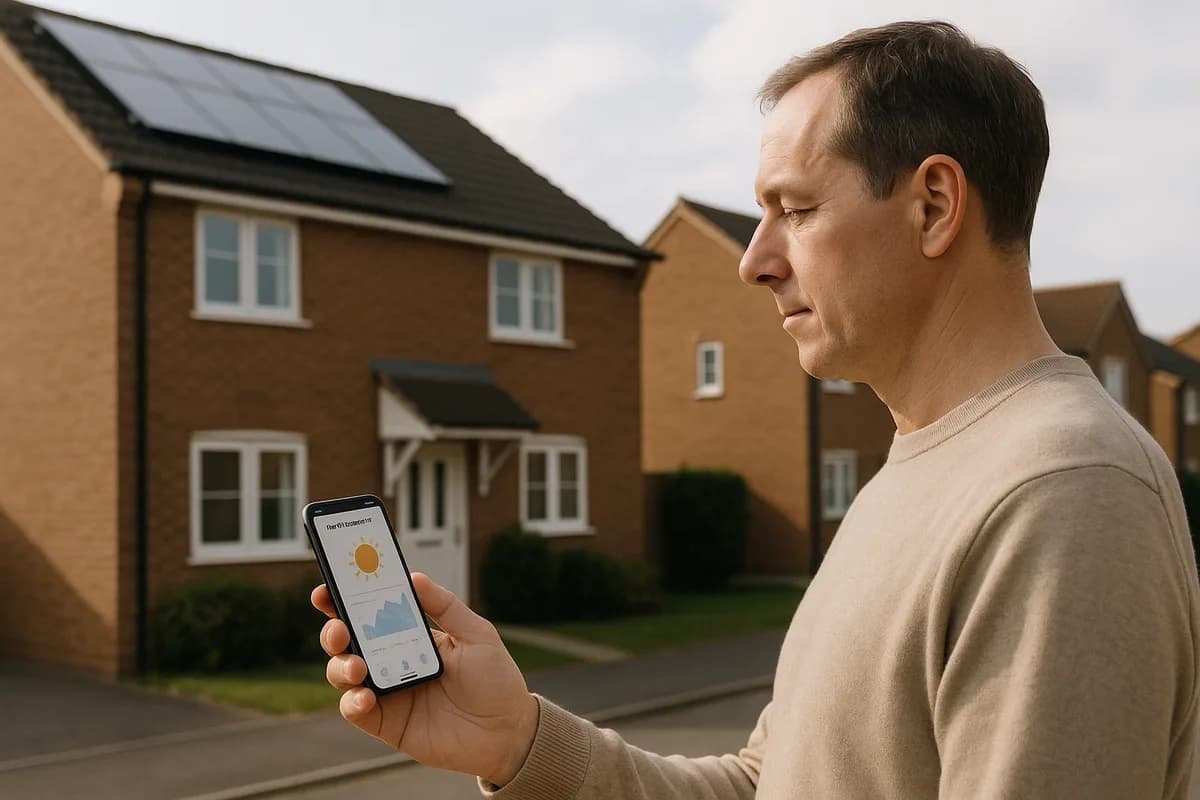
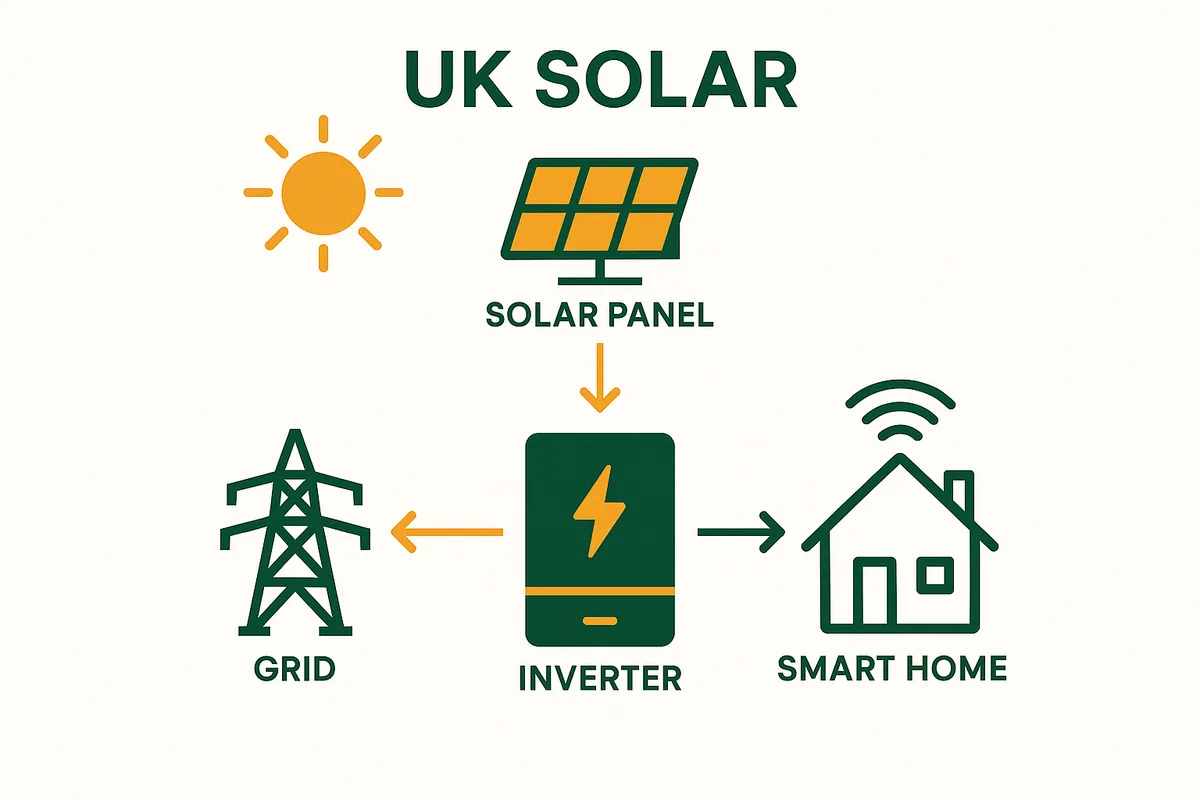
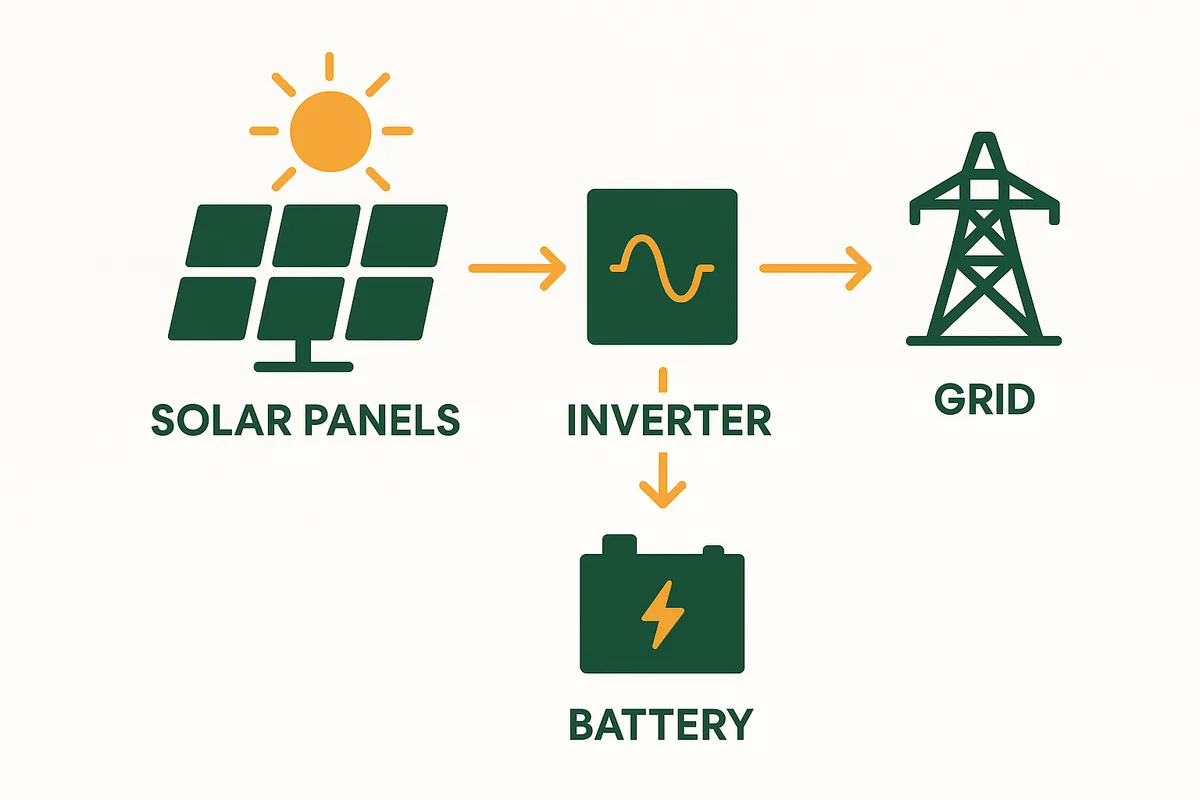
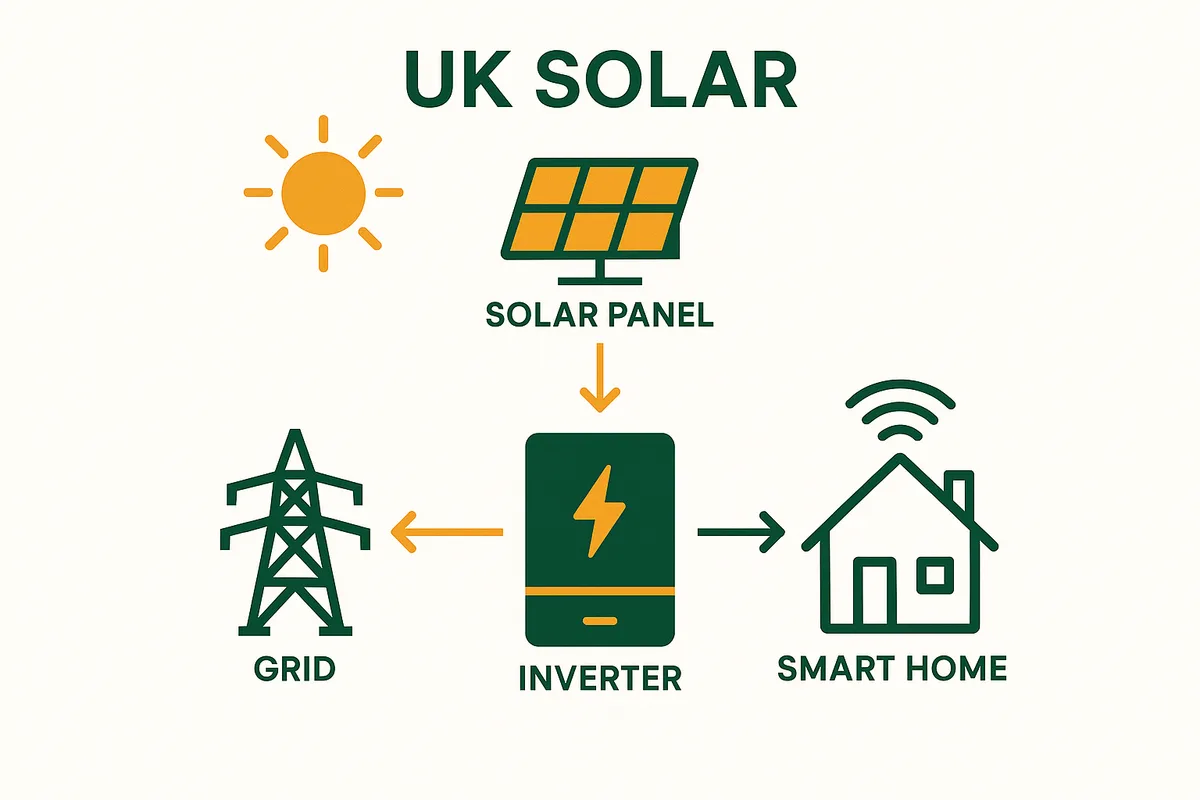
With solar panels, your smart meter records two separate registers: Import (electricity you buy from the grid) and Export (surplus solar you send to the grid). Your in-home display (IHD) shows real-time usage but may not clearly show solar self-consumption. For the full picture, use your inverter monitoring app (GivEnergy, SolarEdge, etc.) which shows: total generation, self-consumption, export, and grid import — all in one place.
What Your Smart Meter Records
- Import register: electricity flowing FROM grid TO your home (you pay for this)
- Export register: electricity flowing FROM your home TO the grid (you earn SEG for this)
- Your meter does NOT record: solar generation or self-consumption (use your inverter app for this)
- Smart meters send readings automatically — no manual reading needed
Ready to see what solar could save you?
Get free, no-obligation quotes from MCS-certified installers in your area.
Get Free QuotesUnderstanding Your In-Home Display
Common IHD confusion with solar:
1. IHD shows high consumption during the day: This may be showing GROSS consumption (total electricity used by your home, including solar). Your actual GRID import may be zero. Check the meter itself or your supplier app for net import.
2. IHD shows negative numbers or arrows pointing out: This means you are exporting — generating more than you are using. Good!
3. IHD does not show solar generation: IHDs only show grid interaction, not solar output. Use your inverter app for generation data.
4. IHD and inverter app show different numbers: Normal — they measure different things. The IHD measures grid interaction. The app measures total solar generation.
For the complete picture: Use your inverter monitoring app. It shows: total generation, self-consumption, export, and grid import — everything in one dashboard.
Source: Smart meter guidance; inverter monitoring documentation.
Frequently Asked Questions
Related guides
You might also like
Ready to see what solar could save you?
Get free, no-obligation quotes from MCS-certified installers in your area.
Get Free QuotesFree, no obligation. Takes 2 minutes.