What Happens After Solar Panel Installation?
Ready to see what solar could save you?
Get free, no-obligation quotes from MCS-certified installers in your area.
Get Free QuotesFree, no obligation. Takes 2 minutes.
What do I need to do after solar panels are installed?
After solar installation, you need to: (1) register for the Smart Export Guarantee with your chosen energy supplier, (2) set up monitoring via your inverter app, (3) notify your home insurer, (4) get a new EPC to capture the improved rating, (5) start shifting heavy appliance usage to daylight hours, and (6) store all documentation safely. Your system starts generating immediately — but these steps ensure you maximise the financial return.
The Post-Installation Checklist
Step 1: Register for SEG (Week 1)
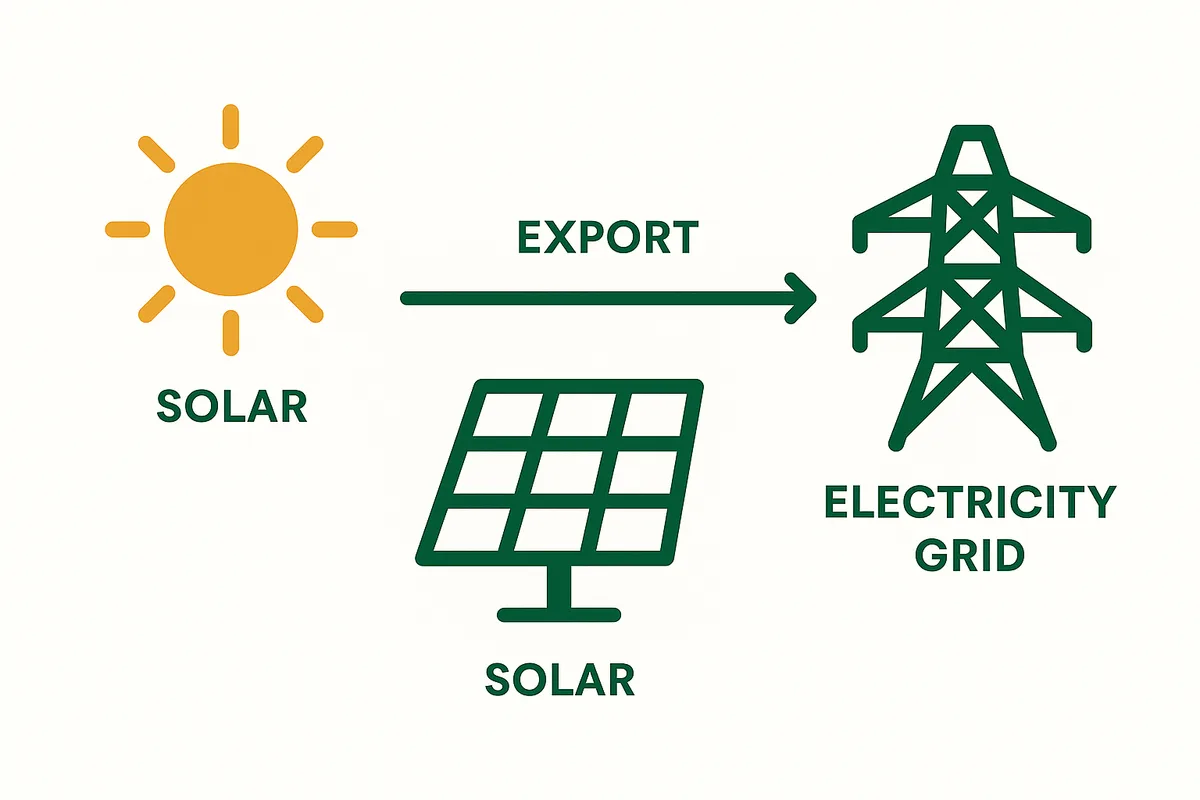
Why: The Smart Export Guarantee pays you for surplus electricity exported to the grid. Without registering, you export for free — losing £80–£300 per year.
How: 1. Choose a SEG supplier (does not have to be your electricity supplier) 2. Compare rates: British Gas ~5.6p, E.ON ~5.5p, Octopus Flux 8–24p (variable) 3. Register online with your MCS certificate and smart meter details 4. Payments start from the registration date — not backdated to installation
Important: Register as soon as you receive your MCS certificate. Every week of delay is lost income.
Source: Ofgem SEG guidance.
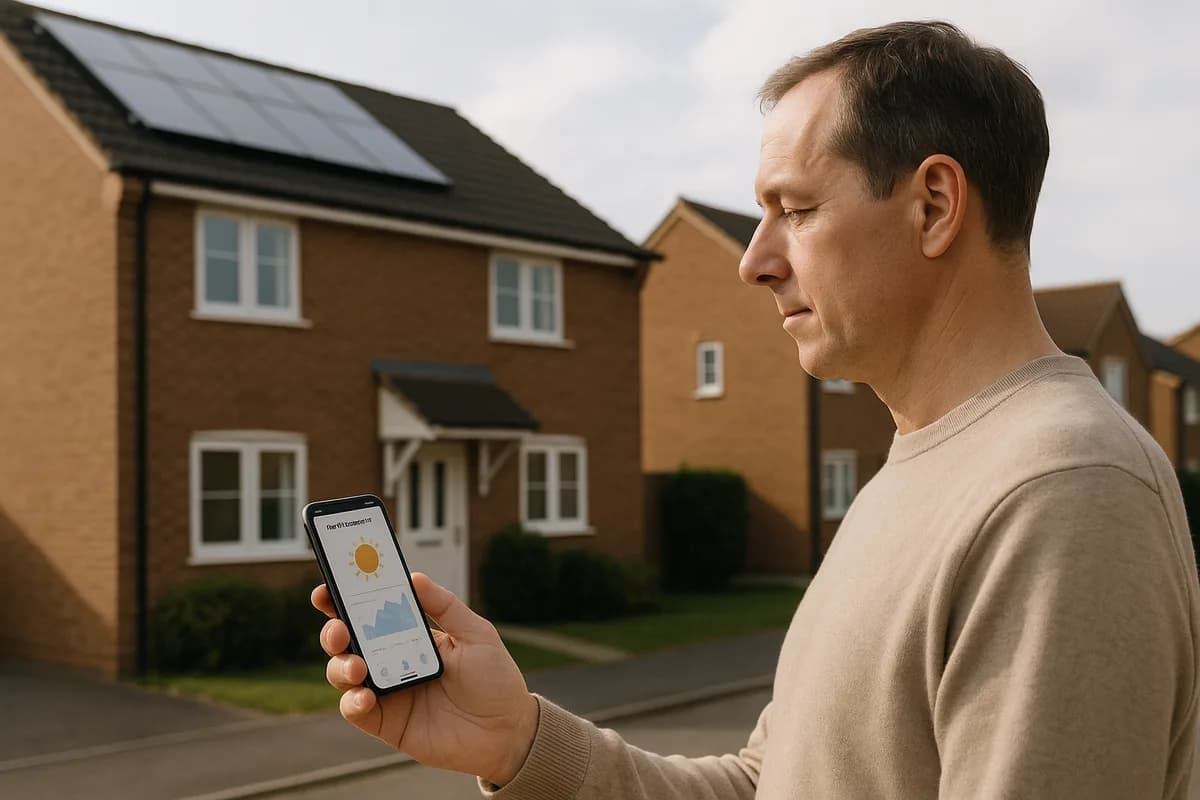
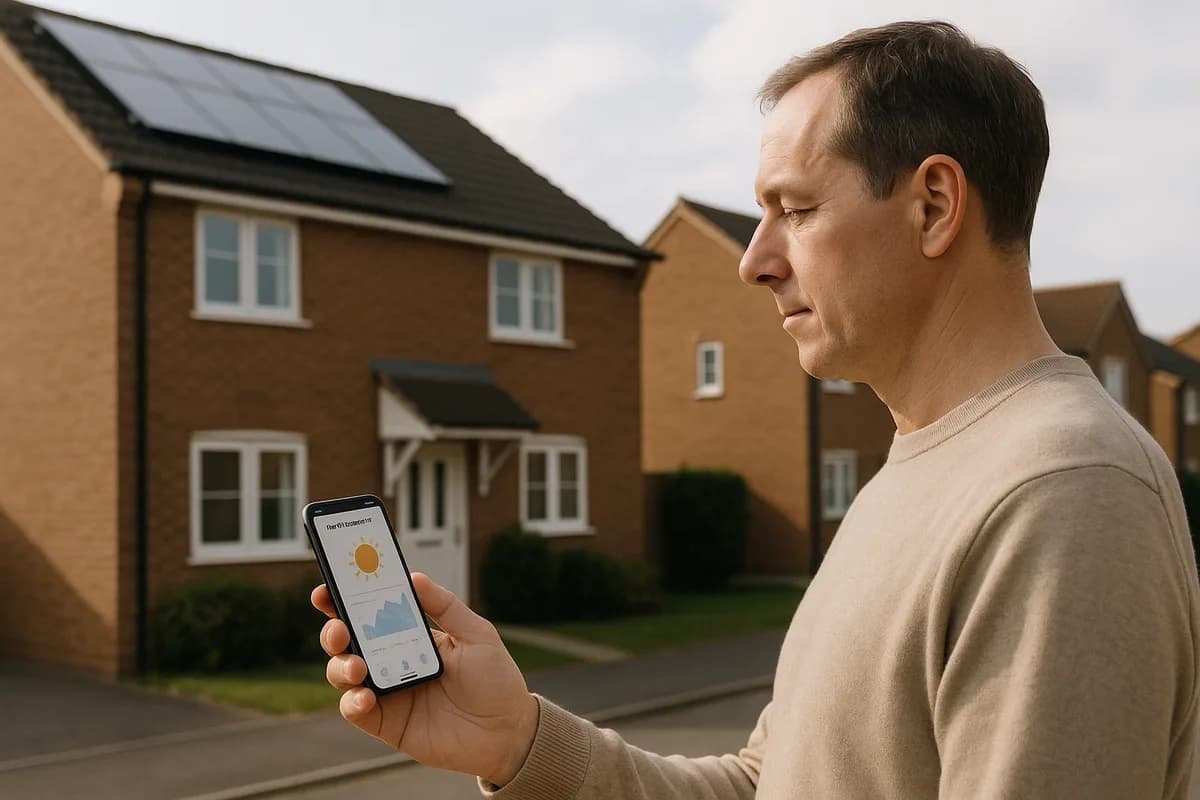
Step 2: Set Up Monitoring (Day 1)
Why: Your inverter monitoring app shows real-time generation, consumption, and any system issues.
How: 1. Your installer should connect the inverter to WiFi during installation 2. Download the manufacturer's app (GivEnergy, SolarEdge, Enphase, Solis, etc.) 3. Create an account and link to your inverter's serial number 4. Data should appear within 15–30 minutes
What to check in the first week: - Is the system generating during daylight? (should see output > 0W) - Is daily generation roughly what the installer predicted? - Are there any error codes or alerts? - Is the inverter display showing green (normal operation)?
Source: Inverter monitoring platforms.
Step 3: Notify Your Insurer (Week 1)
Why: Failure to notify can void your entire buildings insurance policy — for ALL claims, not just solar.
How: 1. Call your insurer or use their online chat 2. Inform them: system size, installation cost, MCS certification 3. Ask for written confirmation that the panels are covered 4. Most insurers charge £0–£50/year extra. If significantly more, shop around.
This takes 5 minutes and protects thousands of pounds of cover.
Source: ABI insurance disclosure guidance.
Step 4: Get a New EPC (Month 1)
Ready to see what solar could save you?
Get free, no-obligation quotes from MCS-certified installers in your area.
Get Free QuotesWhy: Your current EPC does not reflect the solar installation. A new EPC will show an improved rating (typically 1–2 bands higher), which: - Increases your property value - May qualify you for green mortgage products - Is required for rental properties (minimum EPC E, soon C)
How: 1. Book an EPC assessment (£60–£80, takes 30–60 minutes) 2. The assessor records the solar installation 3. New EPC issued within days 4. Valid for 10 years
When to skip: If you are not selling or renting within the next few years, this is optional but recommended.
Source: EPC assessment guidance.
Step 5: Start Shifting Appliance Usage (Week 1)
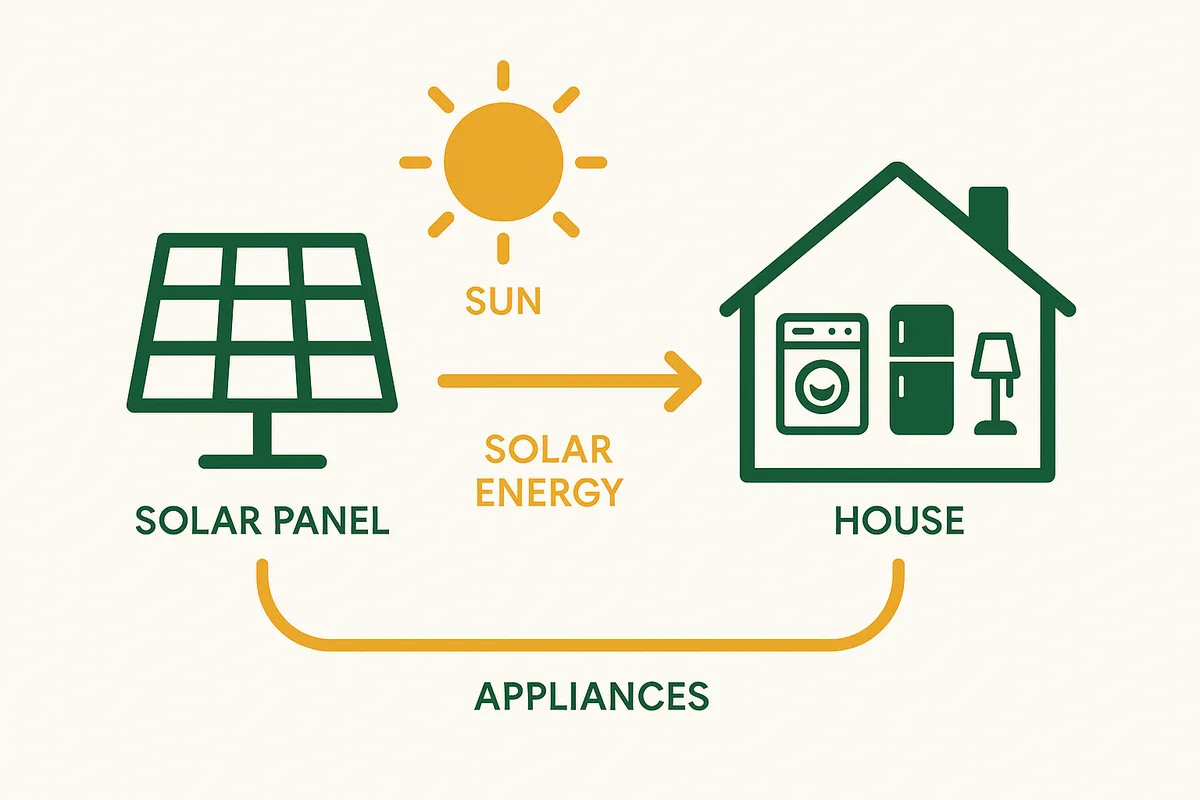
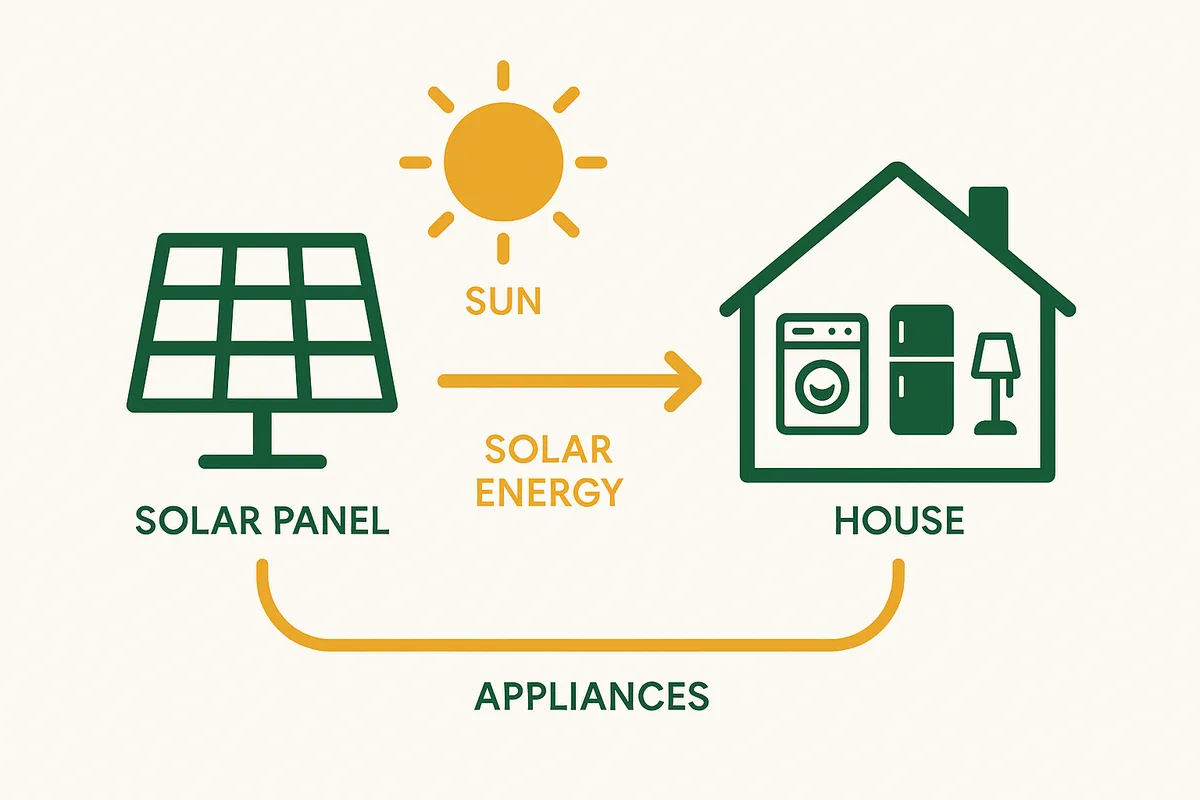
Why: Every kWh you use during daylight saves 26.11p. Every kWh you export earns only 4.5p. Shifting usage to solar hours increases your savings by 20–40%.
How: - Set your dishwasher to run at 11am (delay timer) - Run washing machine and tumble dryer between 10am–3pm - Charge devices during the day instead of overnight - Cook with electric oven during solar hours if practical - Preheat hot water during the day (if you have a cylinder)
Impact: Shifting 2–3 kWh/day from evening to daytime = £180–£270/year extra savings.
Source: Energy Saving Trust self-consumption optimisation.
Step 6: Store Your Documentation (Day 1)
Keep these documents safe for 25+ years:
- MCS Installation Certificate — your proof of certified installation. Required for SEG, insurance, and property sale.
- Electrical Installation Certificate — Part P compliance proof.
- Panel manufacturer warranty card — 25-year product + performance warranty.
- Inverter warranty card — 5–25 years depending on type.
- Installer workmanship warranty — typically 5–10 years. Check if insurance-backed.
- DNO notification confirmation — G98 or G99 acknowledgement.
- System specifications — panel brand/model, inverter brand/model, system size.
- Installation invoice — for insurance purposes (replacement value).
- User guides — inverter manual, monitoring app instructions.
Digital backup: Take photos of all documents and store in cloud storage (Google Drive, OneDrive). Physical documents can get lost over 25 years — digital copies persist.
Source: MCS documentation requirements.
What to Expect in Your First Month
Week 1: System generates electricity. You see reduced import on your smart meter. Monitoring shows daily output.
Week 2–3: You develop a sense of daily patterns — sunny days vs cloudy days, morning ramp-up, afternoon decline. You start naturally shifting appliance usage.
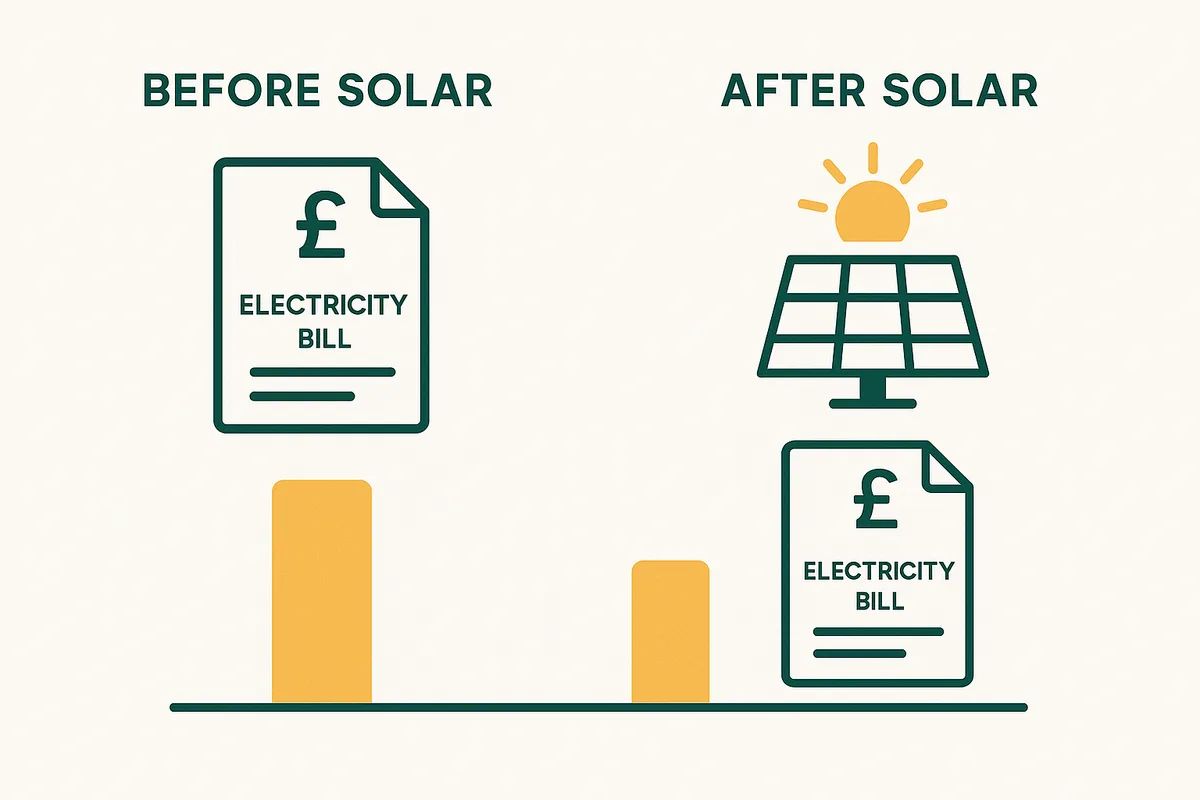
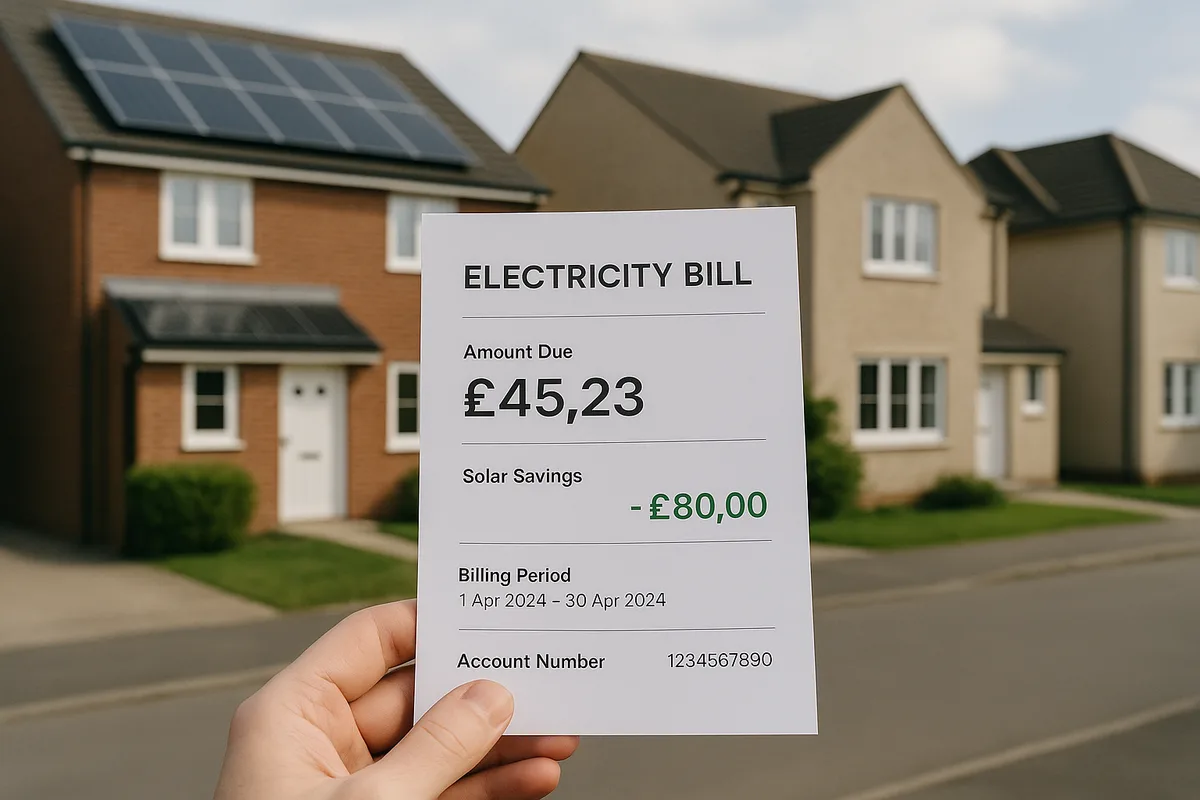
Month 1: First electricity bill arrives showing reduced import. Typical first-month reduction: 30–60% (depending on season and self-consumption). You feel the savings.
MCS certificate arrives: Usually within 2 weeks of installation. Register for SEG immediately upon receipt.
Common first-month questions: - 'My output seems low' — check if it is winter/cloudy. Compare to your installer's monthly estimate, not the annual total. - 'My bill has not dropped much' — check: are you using electricity during solar hours? A battery or appliance shifting may help. - 'The inverter makes a humming sound' — normal (30–45 dB). Stops at night. - 'I can see green numbers on my smart meter' — this means you are exporting. You are generating more than you are using. Well done.
Source: Common post-installation enquiries.
Frequently Asked Questions
Related guides
Related: Home Heating Systems
Solar panels are most powerful when combined with an efficient heating system. Heat pumps use solar-generated electricity to heat your home at 300-400% efficiency — making them the ideal partner for solar.
Heat pump installation typically takes 2-3 days and is best planned alongside solar.
From our sister site Home Heat Pump Guide
You might also like
Ready to see what solar could save you?
Get free, no-obligation quotes from MCS-certified installers in your area.
Get Free QuotesFree, no obligation. Takes 2 minutes.